Learn
Getting Started
Choose your role for a guide tailored to exactly what you need to know on day one.
Start with your role
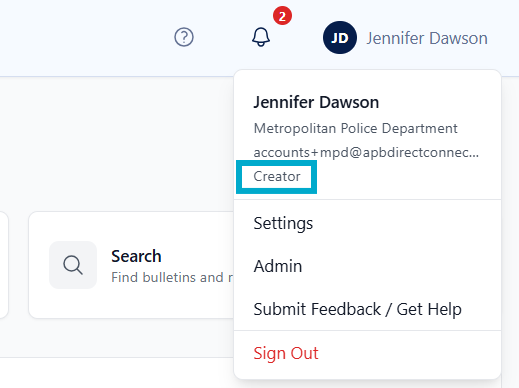
Every APBnet™ user has exactly one of these. Pick yours for a guide built around exactly what you need to know. You can find your role by clicking on your user profile in the upper right corner of the app.
Understand agency admins
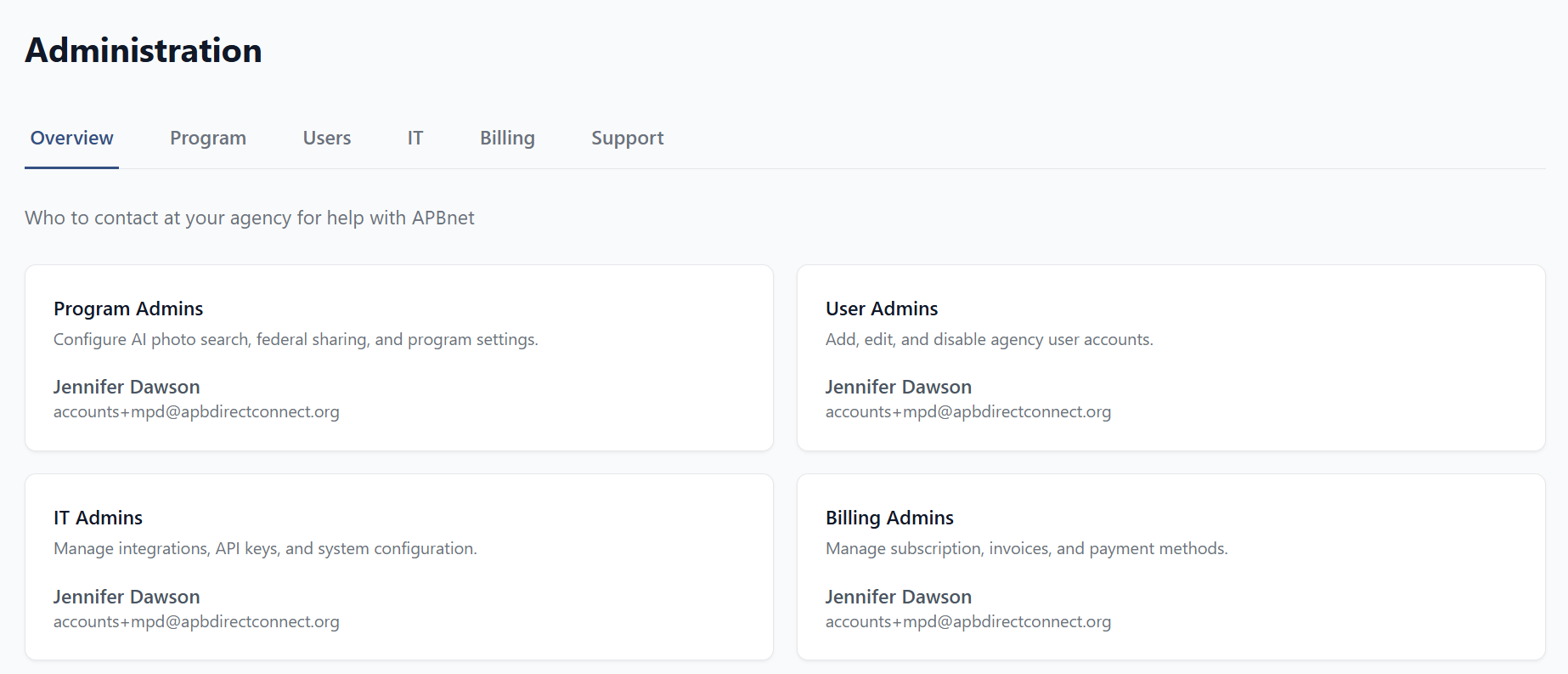
These four permissions are additive — layered on top of your Creator or Viewer role, not a replacement for it. Click your profile in the upper right and select Admin to see who holds them at your agency, or to access the utilities yourself if you’ve been granted one.
Program Admin
You control what features your agency can use and manage agency settings.
Get started →
User Admin
You manage user accounts, assign roles, and setup bulletin review workflows.
Get started →
IT Admin
You configure SSO, domain whitelisting, and device access controls.
Get started →
Billing Admin
You manage your agency's invoices and handle renewals.
Get started →