How-To Guides
Using the Community Address Book
The Community Address Book lets you share bulletins directly with community partners — businesses, schools, hospitals, community-based organizations — as part of the distribution step. Community recipients receive bulletins by email.
Community recipients vs. law enforcement agencies
Agency-to-agency distribution — choosing which law enforcement agencies receive your bulletin — is handled by the map or agency selector in the Distribution step. The Community Address Book is a separate layer: it adds non-law-enforcement community partners to a bulletin's recipients. Both can be used in the same bulletin.
Community contacts receive bulletins by email, not through the APBnet™ platform. Your Program Admin may require an internal review before any bulletin goes to community recipients.
Before you start
- Community distribution must be enabled for your agency by a Program Admin. If you don't see the Community Address Book option, it hasn't been enabled yet.
- Community contacts must be added to your address book before you can include them in a bulletin. You can add contacts at any time — not just during bulletin creation.
- Your agency may have a review process before bulletins reach community recipients. Factor that into timing for urgent bulletins.
Steps
- 1
Open the Community Address Book to add or manage contacts.
Access the address book from your account or agency settings. Add community contacts individually or as groups — for example, “Downtown Business District” or “School District Security.”
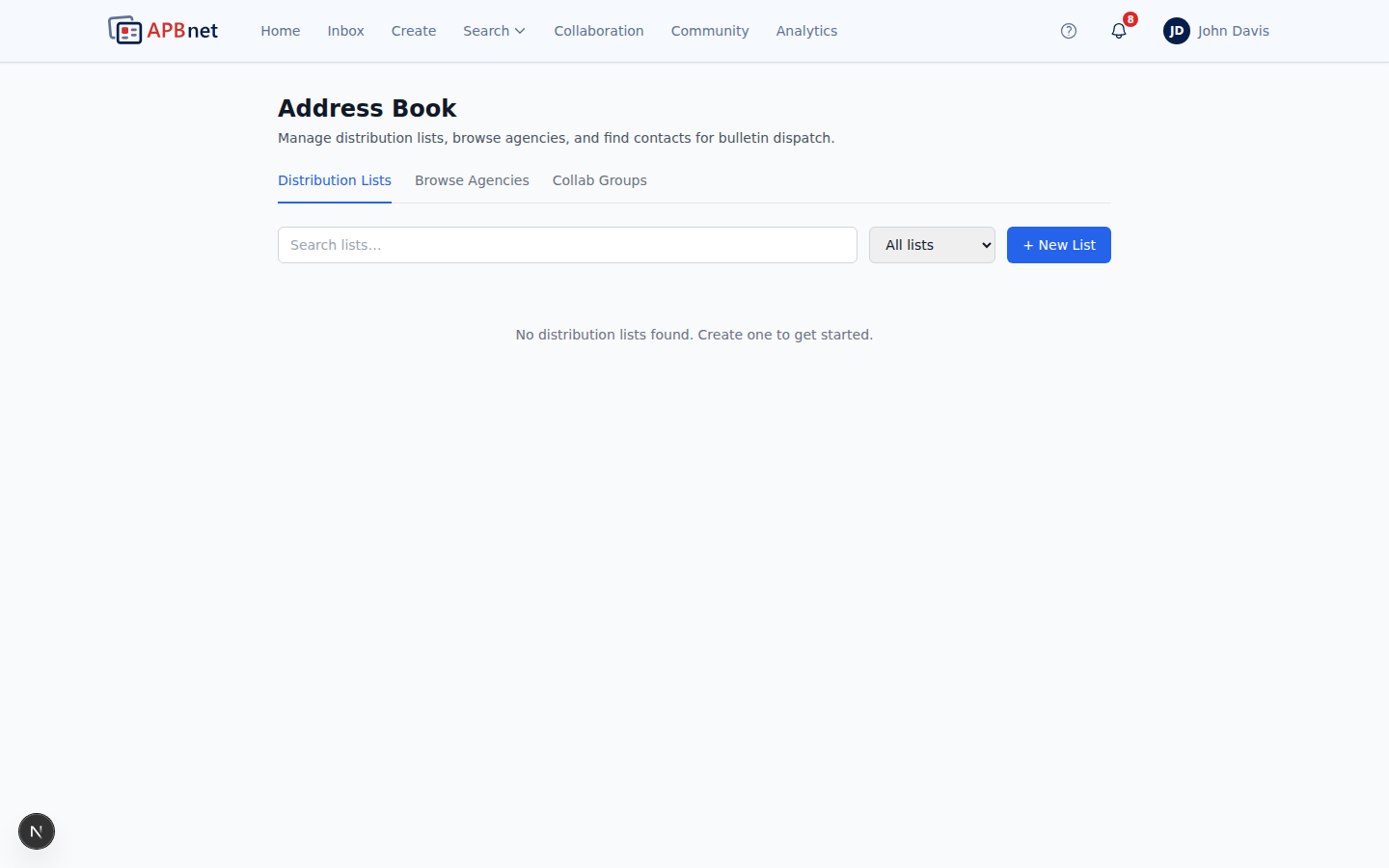
Community Address Book showing a list of contacts and groups — businesses, schools, community organizations — with add contact button - 2
When creating a bulletin, reach the Distribution step and select Community Recipients.
After setting your law enforcement agency distribution (via map or agency selector), open the Community Recipients section to add community contacts to the same bulletin.

Bulletin Distribution step — Community Recipients section open alongside the agency map, showing the address book search - 3
Search for and select the contacts or groups to include.
Search by contact name, organization, or group. Selected recipients are listed with their email addresses so you can confirm the right contacts are included before sending.
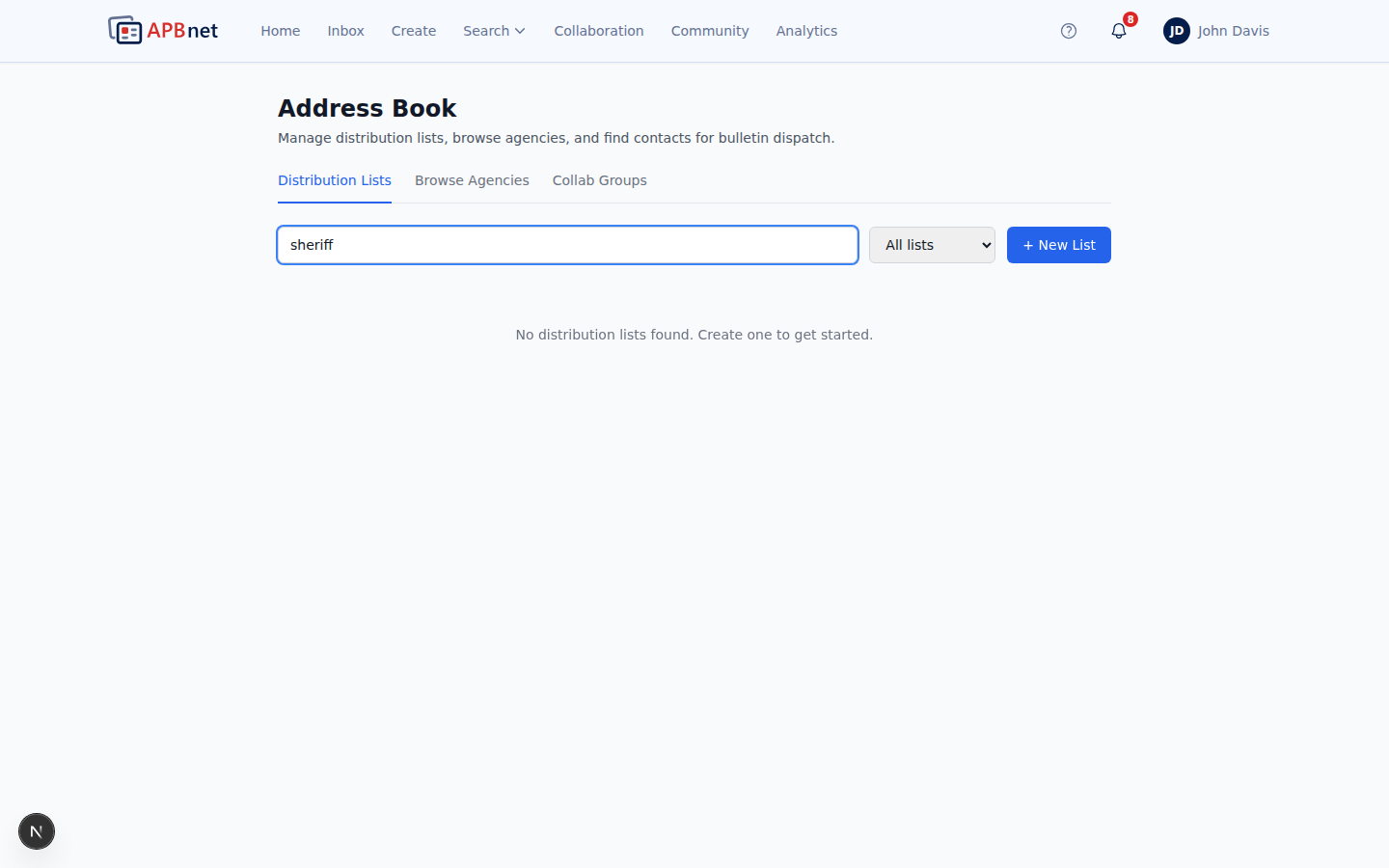
Community Address Book search results with contacts selected — showing organization names and email addresses - 4
Continue through the wizard and send.
If your agency requires a review before community bulletins go out, the bulletin will go to a reviewer first. Community contacts are notified when the reviewer approves. Law enforcement agency recipients receive the bulletin immediately on send regardless of the community review status.
Tips
Build your address book before you need it
Adding community contacts during an active bulletin is possible but not ideal. Build and organize your address book — by district, type of organization, or partnership area — ahead of time so distribution is fast when it matters.
Groups let you reach a category of contacts in one selection
If you regularly share missing person bulletins with all schools in your district, create a 'School District' group. One selection in the distribution step reaches every school in the group — without selecting them individually each time.
Community review doesn't delay LE distribution
If your Program Admin requires a review before bulletins reach community contacts, that review process runs in parallel — it doesn't hold up delivery to law enforcement agencies, which receive the bulletin immediately.
Related guides
Map-Based Distribution Selection
The primary method for selecting which law enforcement agencies receive your bulletin.
Read the guide →
Bulletin Types Explained
Certain bulletin types are better suited for community sharing than others.
Read the guide →
Program Admin: Controlling Feature Access
Program Admins enable community distribution and can require review before bulletins go out.
Read the guide →