How-To Guides
Managing Billing & Invoices
The Billing tab in Admin is where your agency's payment method, invoice history, and plan live. Here's what you can do yourself, and what requires a quick message to Critical Reach.
Plan tier isn't self-service
Your current plan (Basic, Standard, Advanced, or Custom) is shown in the Billing tab, but there's no upgrade or downgrade button — changing tiers goes through Critical Reach. Use the support contact form on the Billing tab to start that conversation; don't look for a self-service switch, there isn't one.
Before you start
- You need the Billing Admin permission to access the Billing tab.
- If your agency is part of a multi-agency organization, you may also see Org Invoices covering sibling agencies — ask your Program Admin if you're unsure whether this applies to you.
Steps
- 1
Open Admin > Billing.
Your current plan tier, payment method, and invoice history are all on this one tab.
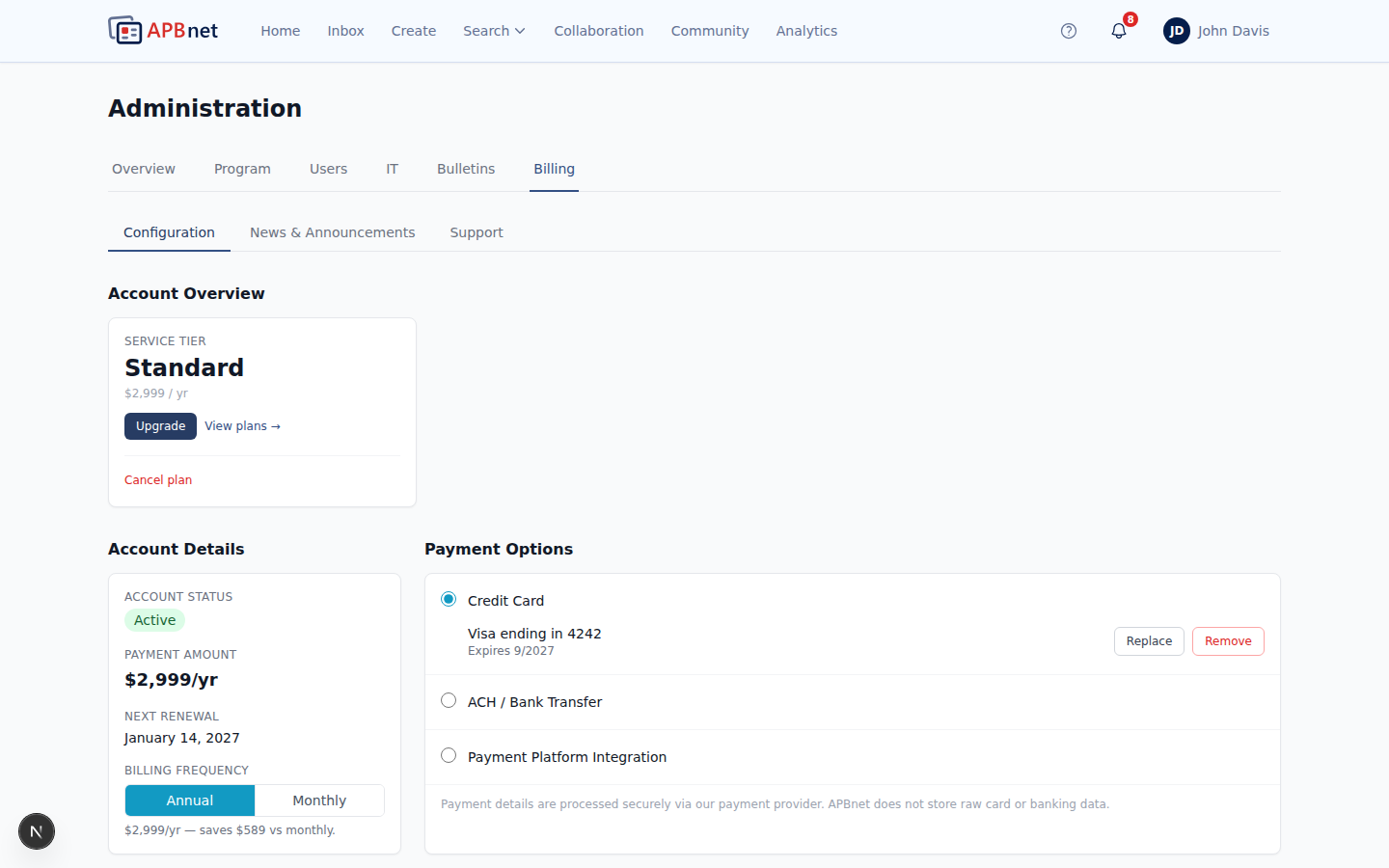
Admin Billing tab — plan tier, payment method, and invoice history - 2
Update your payment method.
Enter your card and billing address in the payment form. This replaces whatever payment method is currently on file.
- 3
Review invoice history and download what you need.
Each invoice shows its status — Paid, Pending, Overdue, or Failed. Print or save any invoice as a PDF for your own records or to forward to accounts payable.
- 4
For a plan change or a billing question, use the support form.
Questions about your invoice, payment, or wanting to change your service tier all route through the same support contact form on the Billing tab — send Critical Reach a message and the team will follow up directly.
Tips
A failed payment doesn't fail silently
A Failed invoice status means the payment method on file didn't go through. Update your payment method as soon as you see this status to avoid an interruption to your agency's access.
Invoices are always available, no request needed
You don't need to email Critical Reach for a copy of a past invoice — every invoice you've ever been billed is in the Billing tab, downloadable any time.
Multi-agency org? Check Org Invoices too
If your agency is part of a larger organization, some invoices may be billed at the org level rather than per-agency. Check the Org Invoices section so you're not looking in the wrong place.